Everything a Black Belt needs.
Nothing they don't.
Process PMO is purpose-built for Lean Six Sigma practitioners. Every feature maps directly to a phase of DMAIC — so your tools and your methodology are always in sync.
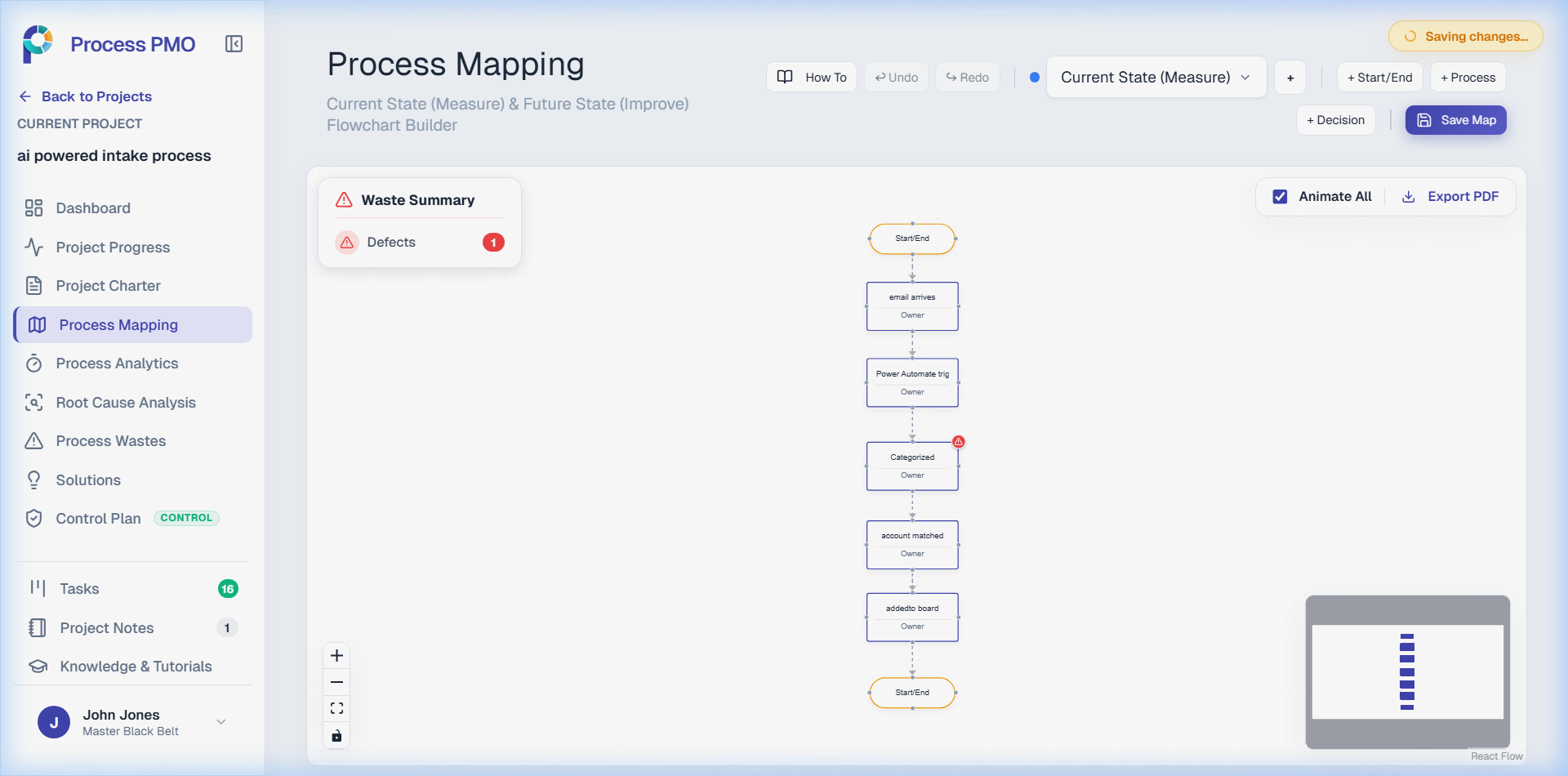
Start Your Free TrialYour Entire Portfolio at a Glance
The Global Dashboard gives you instant visibility into every project across your organization. Filter by DMAIC phase or status, switch between card and list views, and export your portfolio with one click. Creating a new project workspace takes seconds.
- ✓ Card & list view toggle
- ✓ Filter by phase & status
- ✓ Export to PDF or Excel
- ✓ One-click new project setup
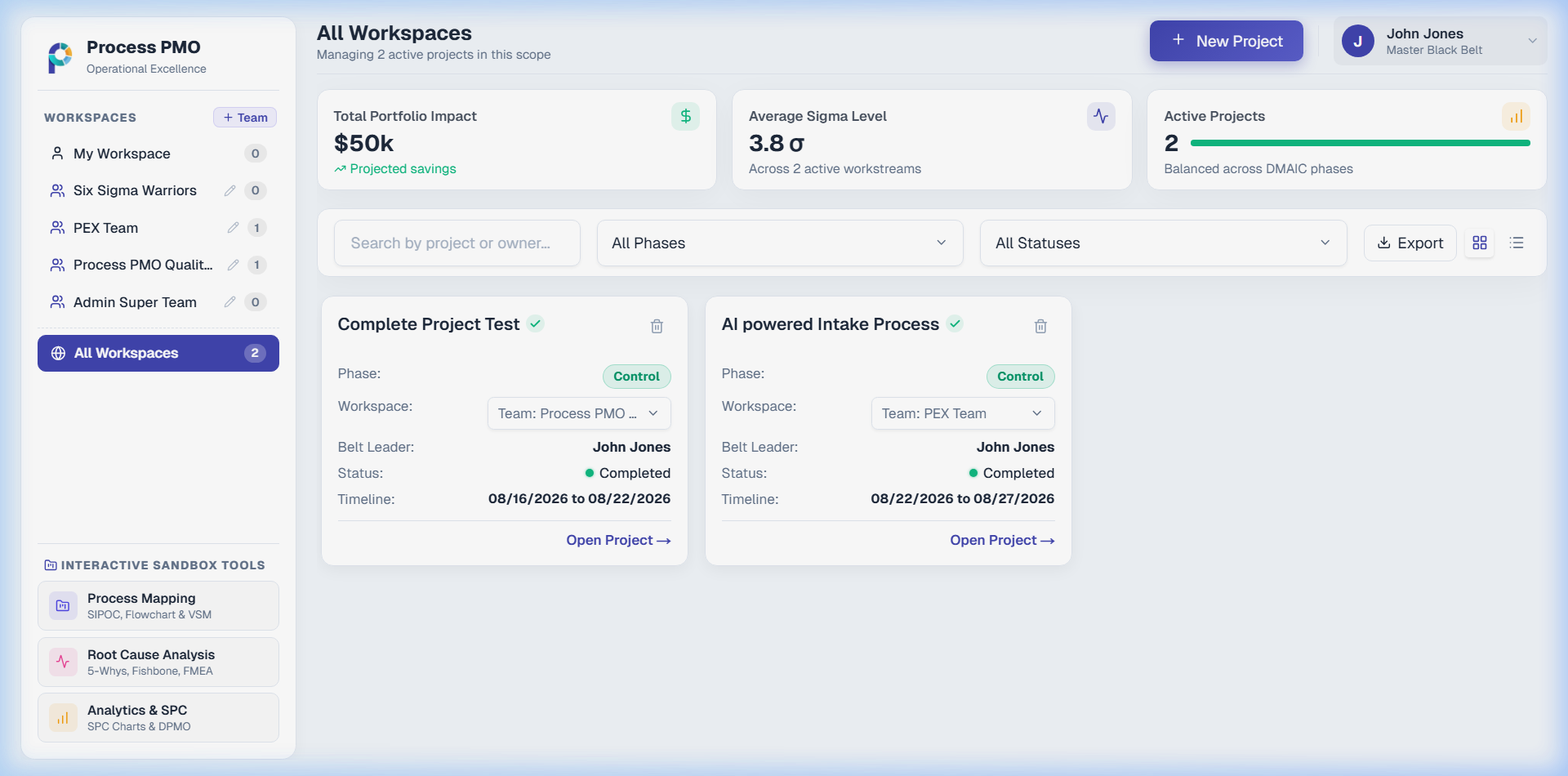
Strict Stage-Gate Tollgate Approval System
Enforce Six Sigma rigor with automated checklist gating. The global auto-advancer tracks deliverables and locks subsequent phases until current tollgates are cleared. Toggles for manual overrides let belt leaders sign off phases on the fly.
- ✓ Guided DMAIC tollgates
- ✓ Automated checker logic
- ✓ Dynamic lock/unlock state gates
- ✓ Audit-ready phase sign-off logs
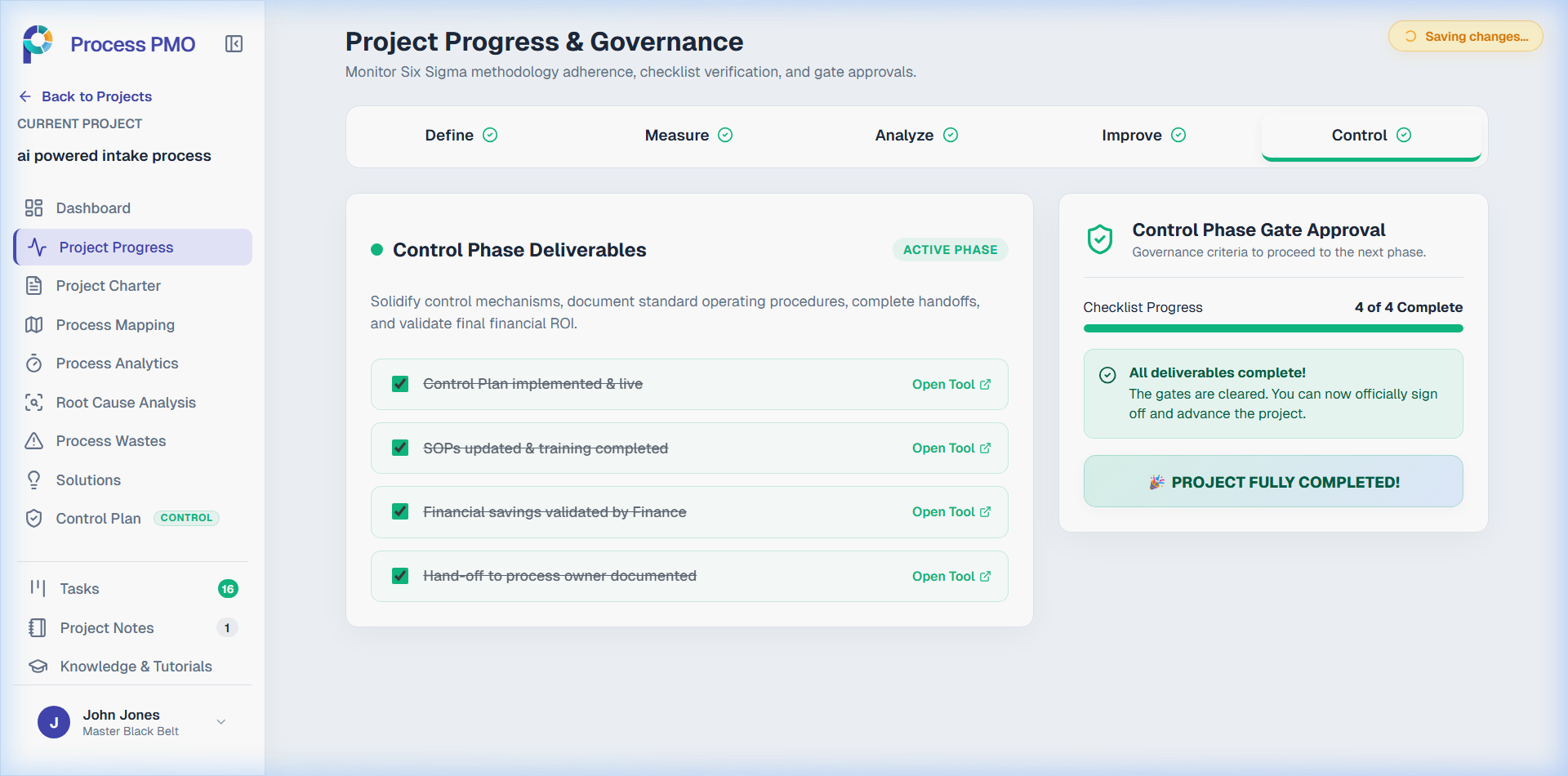
Align Stakeholders with Guided Charters
Draft your project charter using pre-built prompts. Document the business case, construct SMART problem/goal statements, assign project roles (Sponsor, Champion, Black Belt), and capture final sponsor sign-offs in a print-ready layout.
- ✓ Guided problem statement prompts
- ✓ Team roles & belt assignments
- ✓ Sponsor sign-off builder
- ✓ Printable/exportable charter document
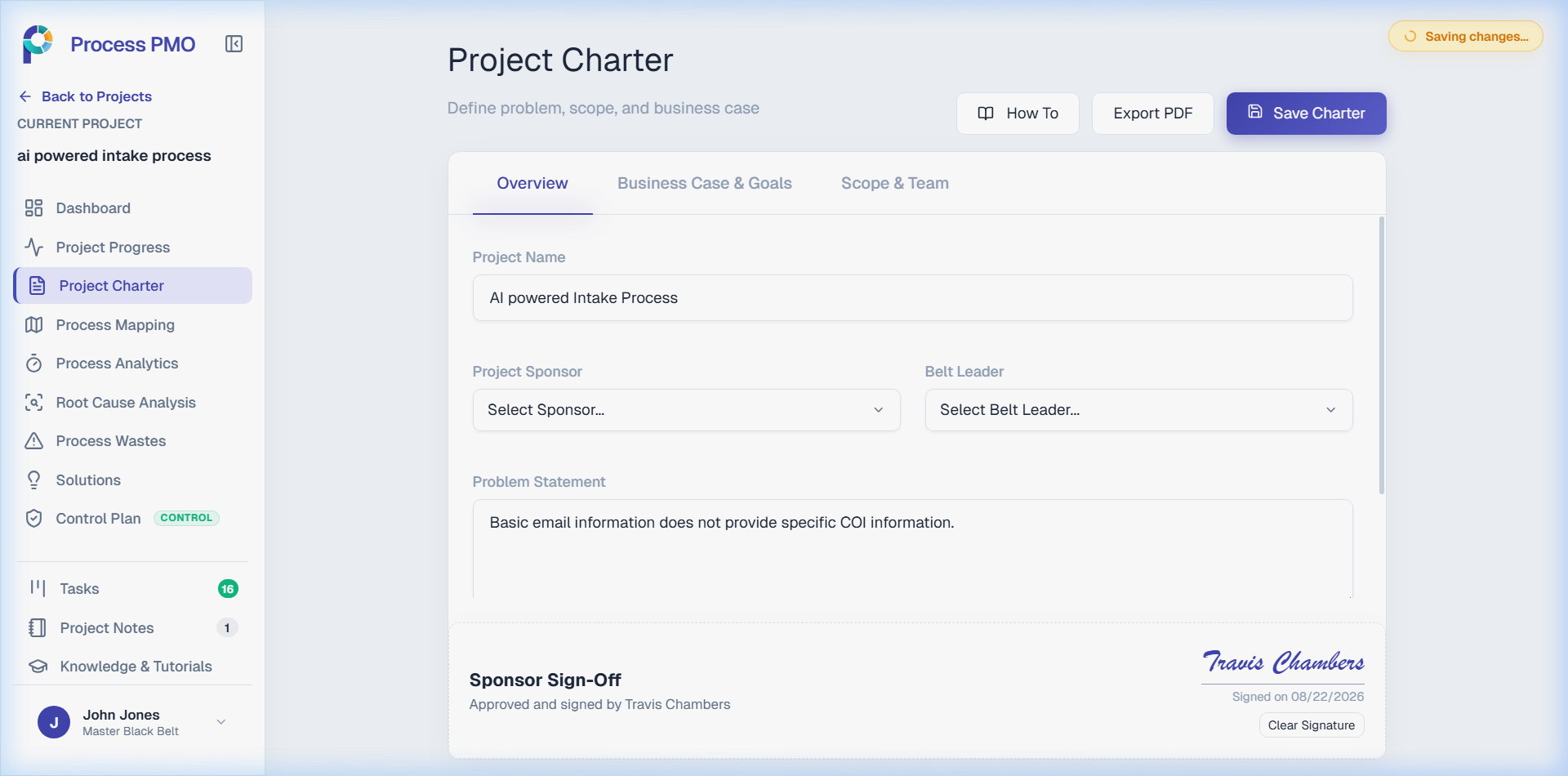
Professional Process Maps, Built Visually
Build Current State, Future State, and custom process maps using a drag-and-drop canvas. Add decision diamonds, connect steps with animated flows, and tag any node with the 8 DOWNTIME waste icons for a live visual waste analysis.
- ✓ Drag-and-drop canvas
- ✓ Start, Process, and Decision nodes
- ✓ 8-Waste DOWNTIME tagging
- ✓ Multiple maps per project
Three Tools to Find Any Root Cause
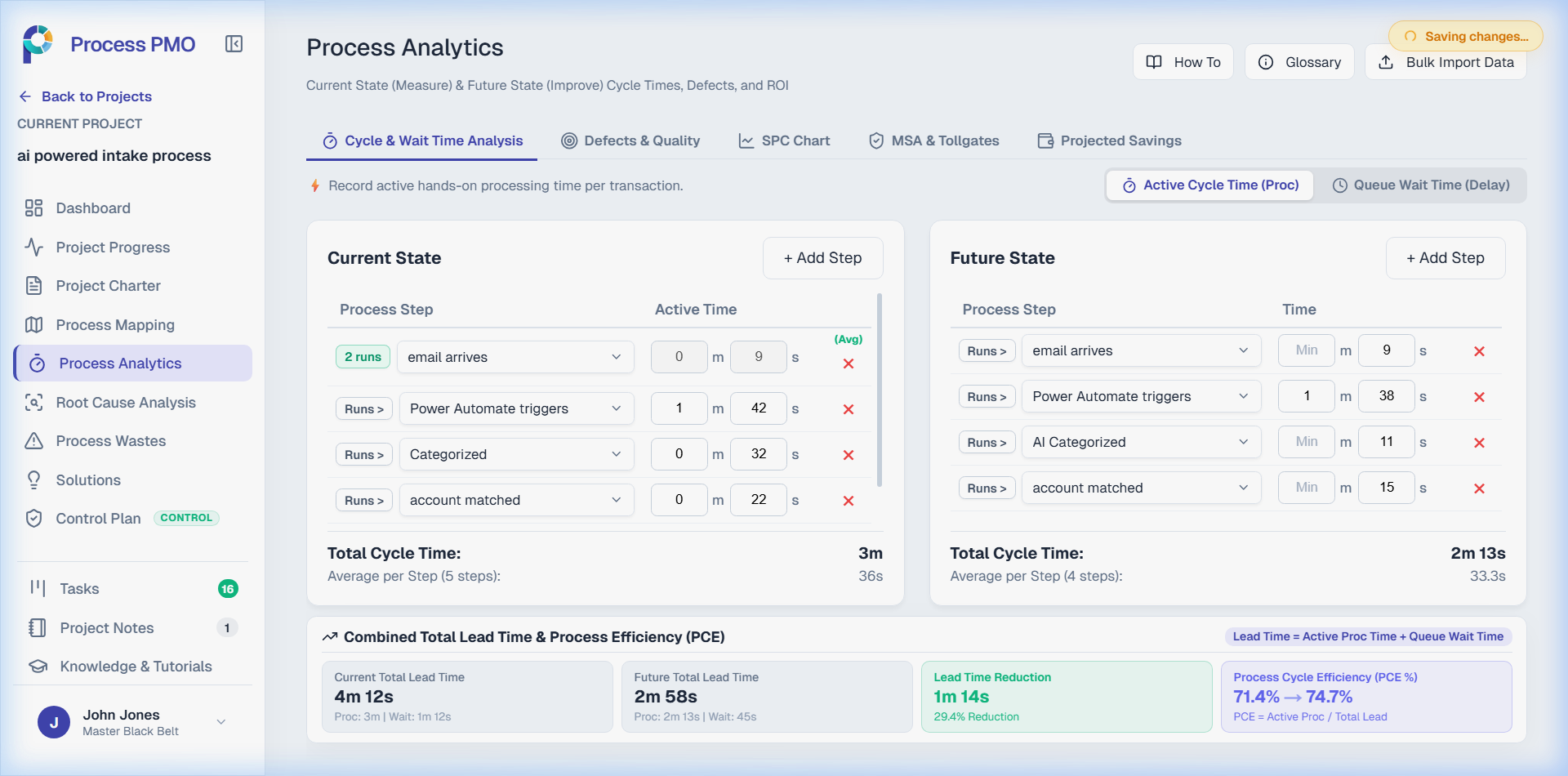
The RCA workspace combines the 5-Whys, the Fishbone (Ishikawa) Diagram, and a full Failure Mode and Effects Analysis (FMEA) table — all in one unified module with a shared problem statement. Every analysis is print-ready with a single click.
- ✓ 5-Whys iterative analysis
- ✓ Fishbone (Ishikawa) Diagram with 6Ms
- ✓ FMEA with auto-calculated RPN
- ✓ Shared corrective action plan
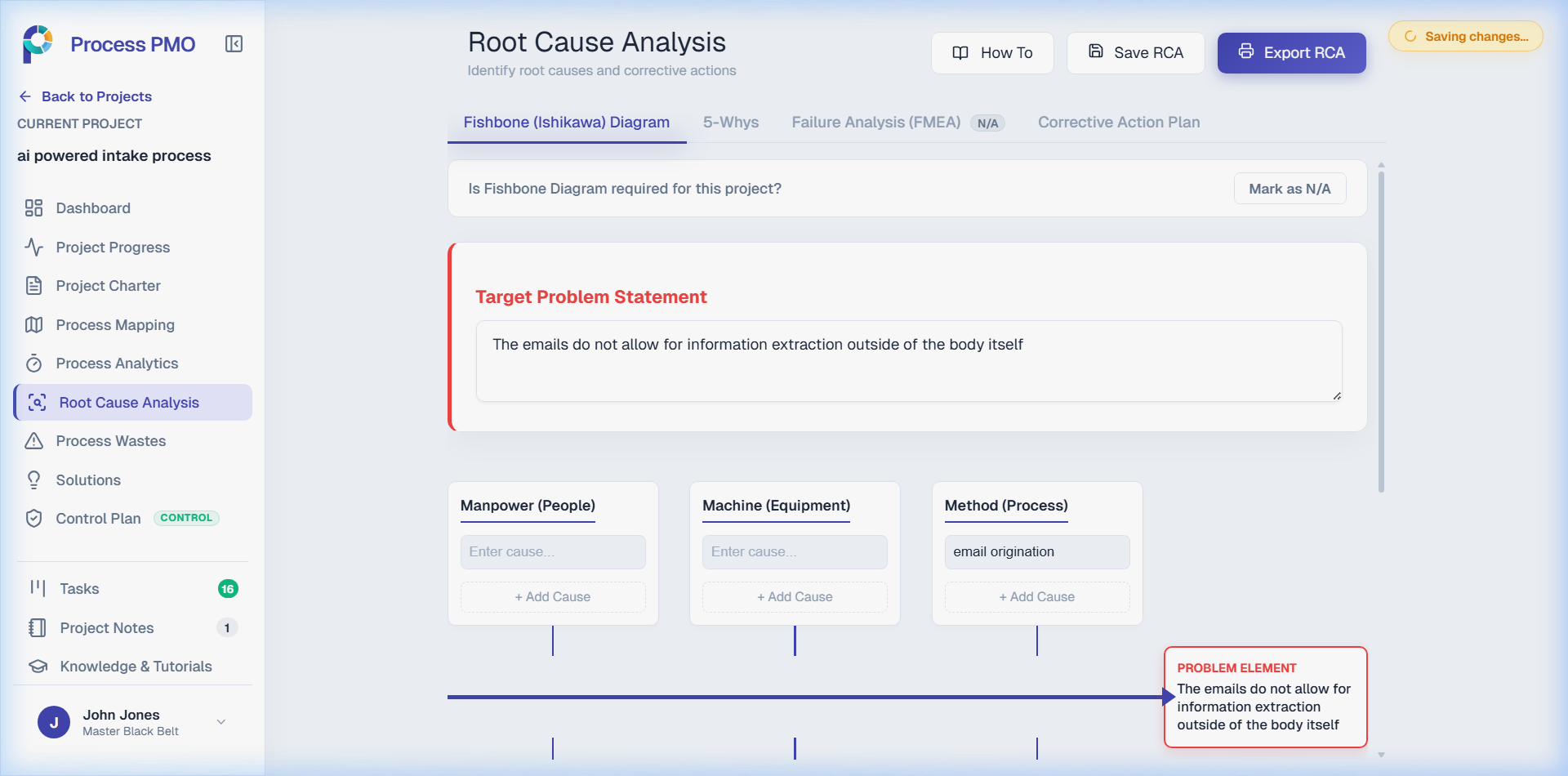
Eliminate the 8 DOWNTIME Wastes
Identify and document process wastes across the 8 categories: Defects, Overproduction, Waiting, Non-utilized talent, Transportation, Inventory, Motion, and Extra-processing. Link wastes directly to corrective actions and solutions.
- ✓ Lean DOWNTIME wastes classification
- ✓ Waste frequency & severity logs
- ✓ Direct integration with solutions
- ✓ Visual waste distribution charts
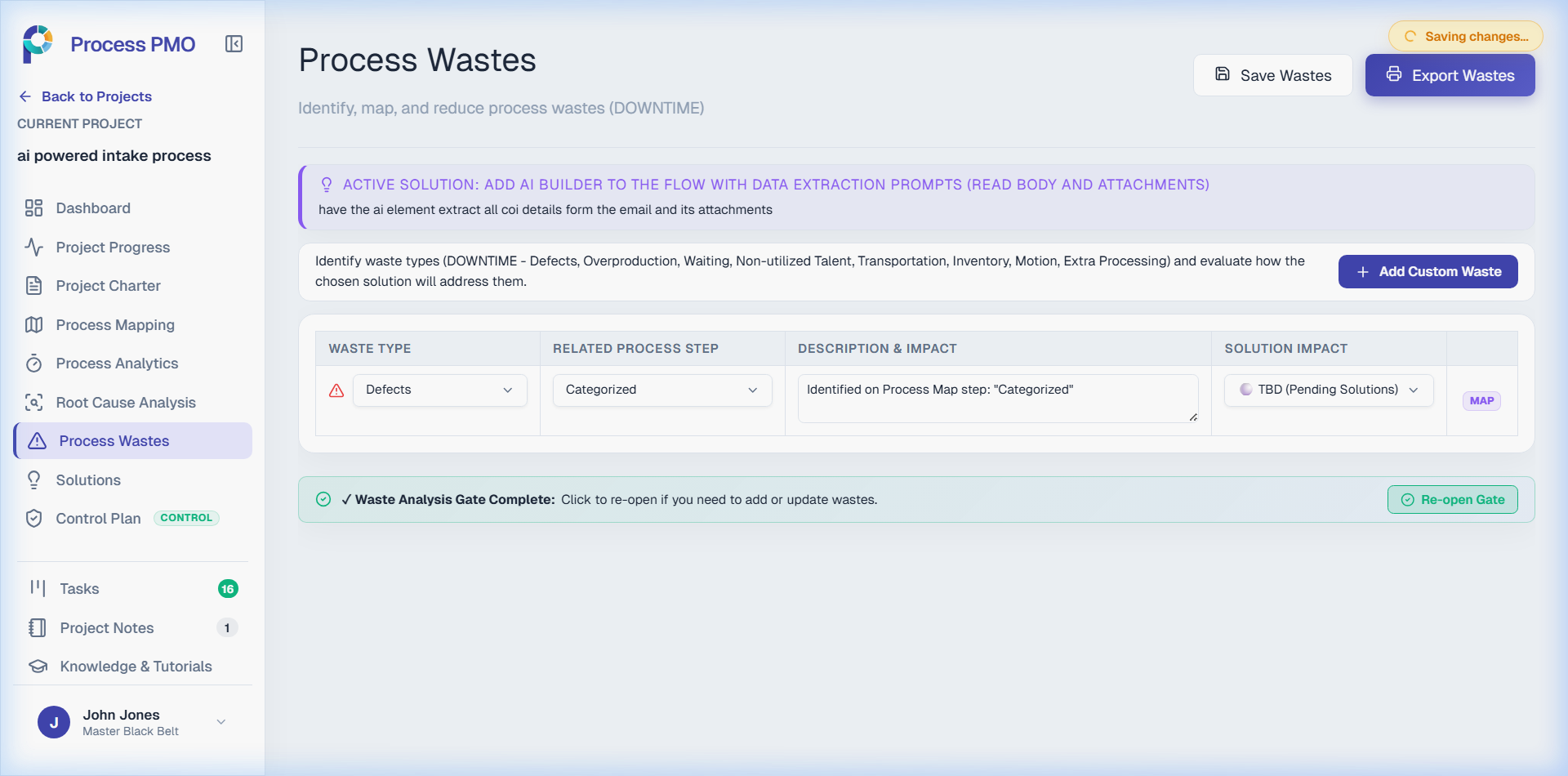
Prioritize Solutions & Validate Pilots
Brainstorm, evaluate, and prioritize solution ideas using an Ease-vs-Impact matrix. Track pilot run tests (baseline vs test results) to statistically prove solution effectiveness before full operational rollout.
- ✓ Solutions scoring matrix
- ✓ Ease vs Impact categorization
- ✓ Pilot run experiment tracking
- ✓ Statistical verification of gains
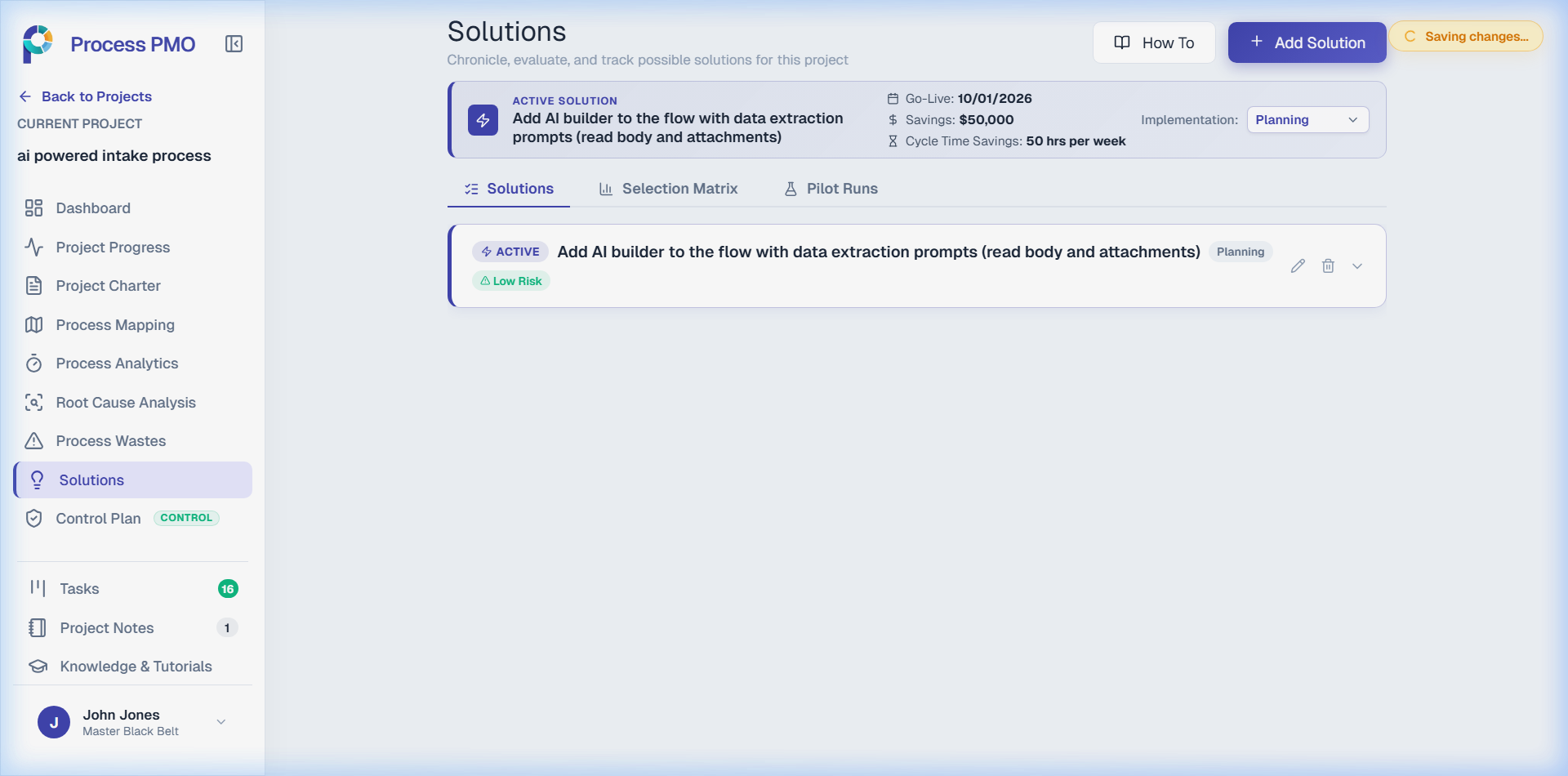
Quantify Your Improvement in Real Time
The analytics module calculates Cycle Time savings, Lead Time ladders, DPMO, and Sigma Levels automatically from your input data. Financial savings roll up into an executive summary ready for your tollgate review.
- ✓ Cycle & lead time analysis
- ✓ Auto-calculated DPMO & Sigma Level
- ✓ Financial savings summary
- ✓ Before/after comparison
Keep Your Team Moving Forward
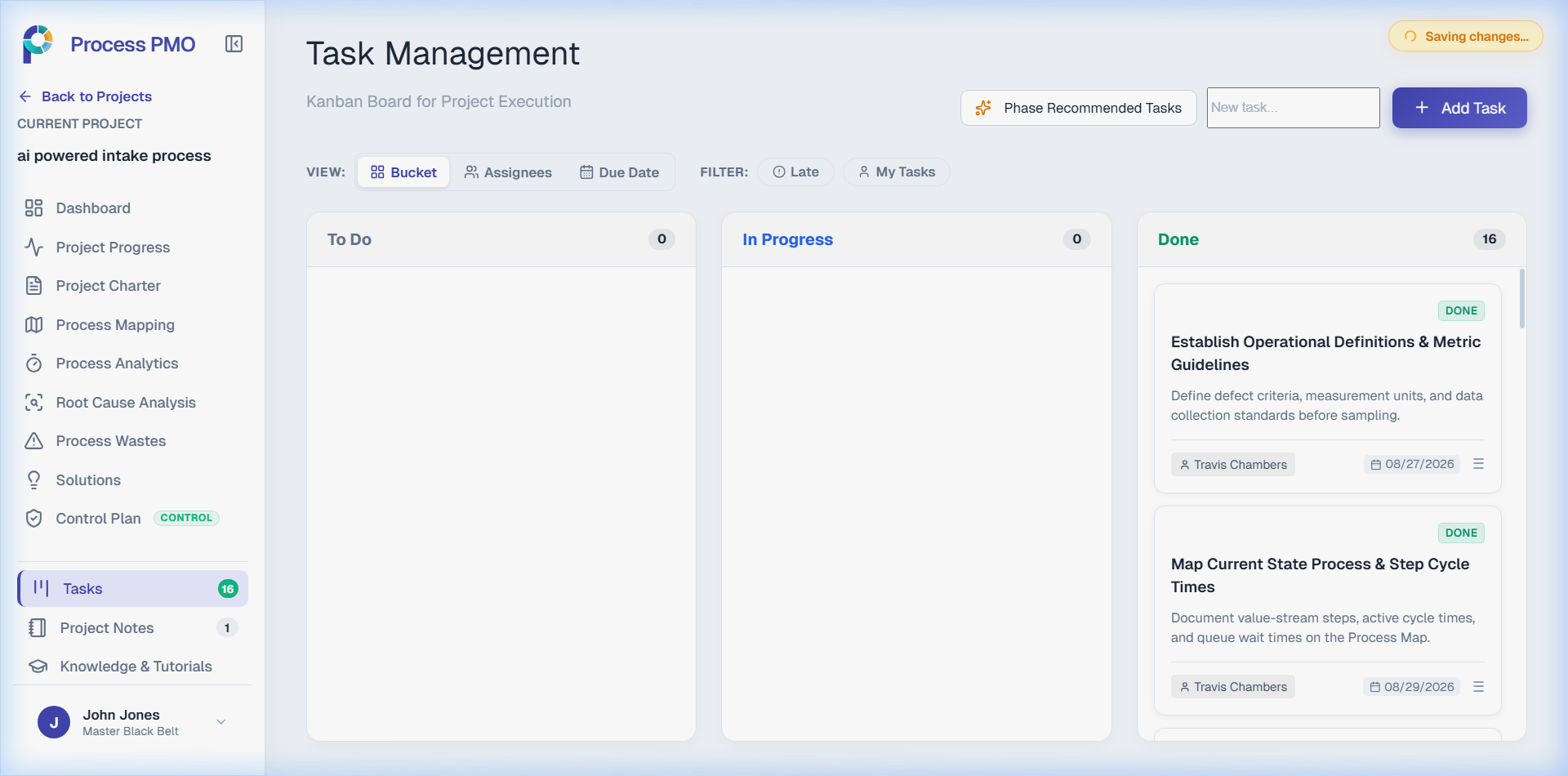
The Kanban board tracks every project task with flexible grouping by status, assignee, or due date. Drag cards between columns, assign owners, set due dates, and instantly surface overdue work — all without leaving your project.
- ✓ Drag-and-drop columns
- ✓ Assignee & due date grouping
- ✓ Overdue highlighting
- ✓ Late & My Tasks filters
Sustain Your Gains with a Living Control Plan
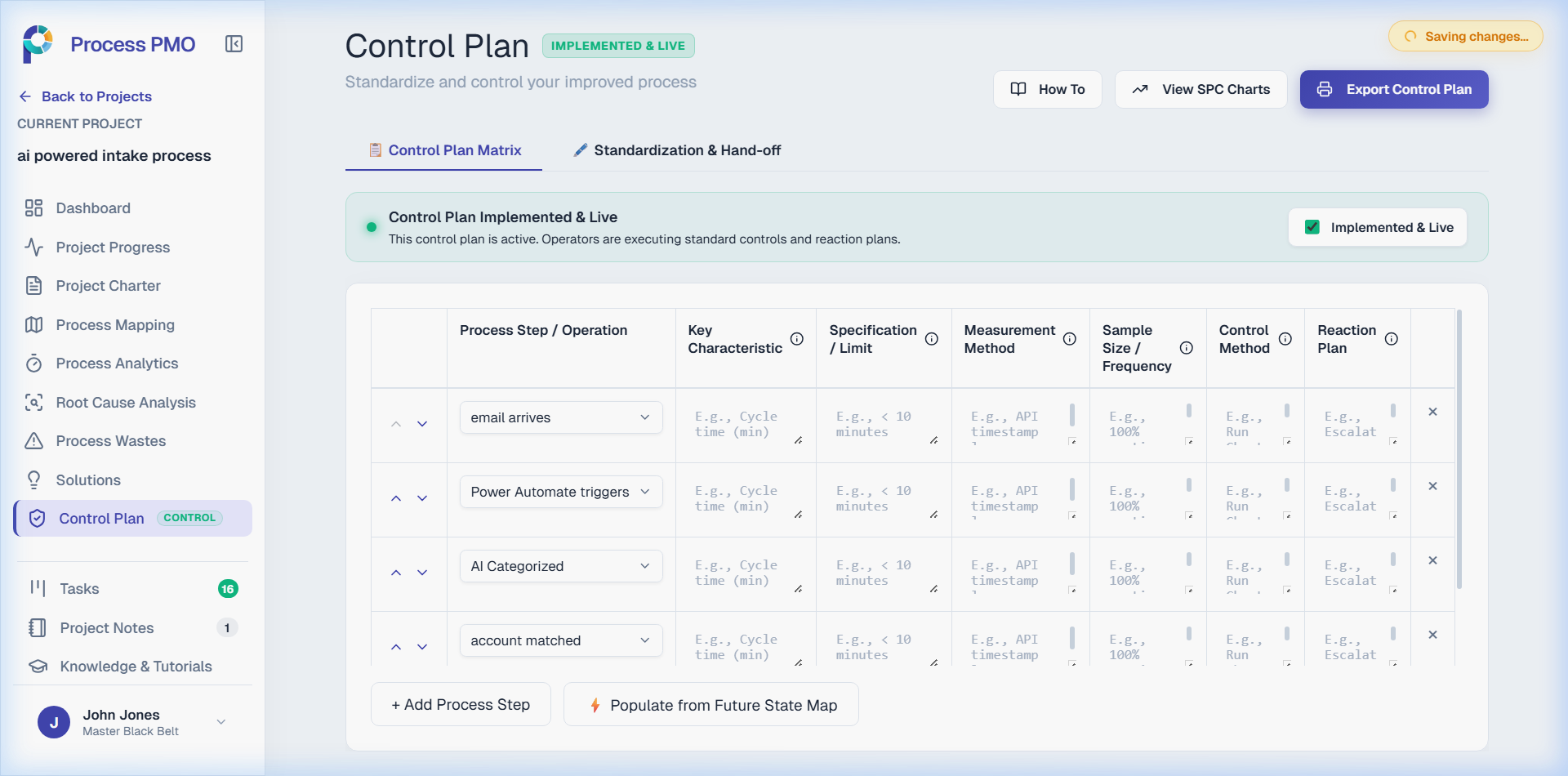
The Control Plan module is the capstone of your DMAIC project. Document process steps, key characteristics, measurement methods, control methods, and reaction plans in a structured table that can be exported as a clean PDF for operators and process owners.
- ✓ Full control plan table
- ✓ Measurement & control methods
- ✓ Reaction plans per step
- ✓ Print-ready PDF export
Ready to run your first project?
Start your free 7-day trial — card required, cancel anytime.